A television that will not turn on, restarts in a loop or loses its picture can have a mainboard fault. A replacement board is often the most economical repair, but only when it matches the TV exactly. Model names are not enough: manufacturers change panels, tuners and firmware during a production run, and two sets with the same model number can use different boards.
Use these eight checks before you order a replacement. If anything is unclear, send photos of the labels and the board through our contact form before you buy.
1. Read the full model code
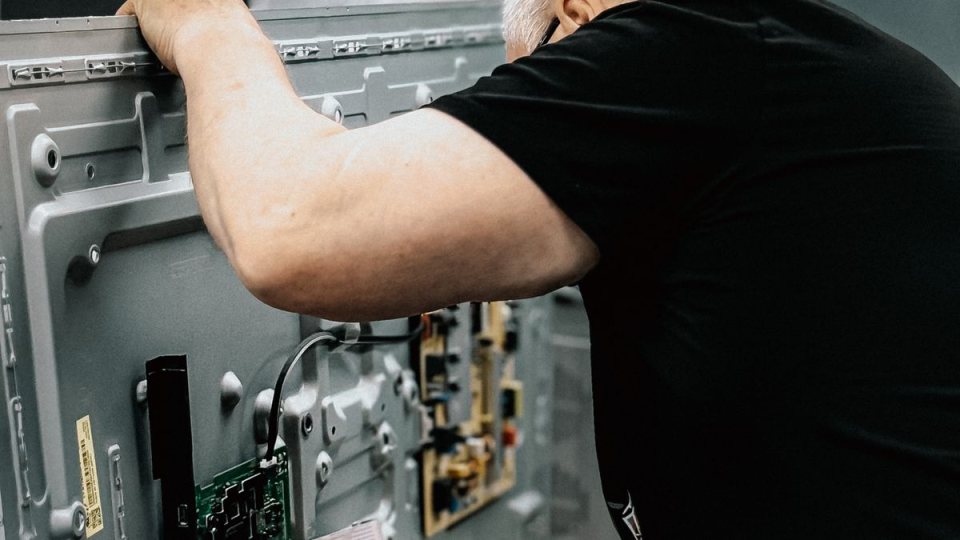
Start with the rating label on the back of the TV. Copy the complete model code, including the suffix after the dash, and the serial number if it is printed there. A retailer listing that says only "55-inch Samsung" or "LG OLED" is not enough to identify the correct board. The region can matter too, because tuner and firmware configurations differ between markets.
2. Identify the board number
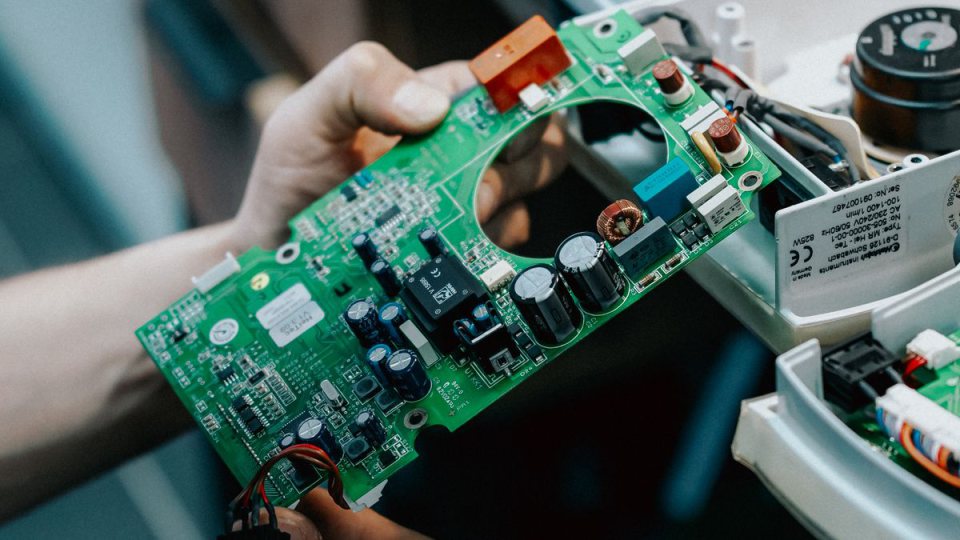
The mainboard usually carries a part number printed on the PCB or on a sticker attached to it. Look for a revision letter or number as well. A board ending in a different revision may look identical and still have different connectors, memory or firmware. Photograph both sides of the original board before you remove it.
3. Match the panel and T-CON
The panel is the LCD or OLED module behind the screen, and the T-CON board turns the mainboard signal into panel timing. Some mainboards are paired with a particular panel type, resolution or refresh rate. The same TV chassis can ship with more than one panel during its production life. Check the panel sticker and the T-CON number, not just the screen size. A 55-inch board from a different panel family may fit physically but show no picture or a distorted image.
4. Compare every connector
Place photos of the old and new boards side by side and compare the full connector layout:
- Power input and standby connector
- LVDS or V-by-One cable to the T-CON
- Backlight or LED driver connection
- Speaker, Wi-Fi, Bluetooth and IR connectors
- USB, HDMI and aerial sockets on the edge of the board
Connector count and position can differ even when the main connector looks the same. Never force a cable into a socket with a different pin count or keying.
5. Check the tuner and smart features
If you use Freeview, satellite or cable, confirm the tuner type (for example DVB-T2 or DVB-S2) and the region. A board from another market may produce a picture but fail to tune local channels, or may run a different app platform and remote-control layout. If you only use the TV as a monitor, say so when asking for a replacement, but still match the panel and connections.
6. Ask about programming and pairing
Some mainboards are plug-and-play; others need firmware, panel pairing, a serial number or MAC address written during service. A listing should state whether the board is tested and whether it is supplied programmed. If that information is missing, ask before ordering. Do not assume that a board from a working TV will work in yours without checking.
7. Inspect the actual board, not a stock photo
Ask for clear photos of the exact board you will receive, including both sides and the label. Look for missing shields, bent pins, heat discoloration, previous rework or corrosion. A generic product photo cannot confirm the revision you need. The serial or part number in the photo should match the listing.
8. Plan a safe installation
Unplug the TV and leave it disconnected before opening the back cover. Power-supply capacitors can hold a charge, so avoid touching the power board until it has had time to discharge. Use an anti-static strap or touch a grounded metal surface before handling the mainboard. Photograph every cable before removal, seat each connector fully, and do not force the board or bend the chassis. Test the TV with the back cover loosely fitted before closing everything up.
When replacing the mainboard is not the answer
A cracked panel, a failed backlight strip or a faulty power board will not be fixed by a new mainboard. If the TV is dead, start with our guide to telling a mainboard fault from a power-board fault. If several sections have failed, or the panel is damaged, a repair may cost more than the TV is worth.
Before you order
Send us the TV model, board number, panel number and a photo of the label if you want a second pair of eyes. You can browse the TV motherboard category to see the boards we currently stock. Taking ten minutes to confirm the part is much easier than discovering a mismatch after installation.
Photo: Bulat843 on Pexels.